Visa Mobile. A phone number instead of card details.
The customer selects Visa Mobile, enters their phone number and confirms the purchase in their bank's app or the Visa Mobile app. No card number to type.
- A phone number instead of card details
- Confirmation in the app
- The customer returns to the shop
Available to customers of 12 banks and banking groups

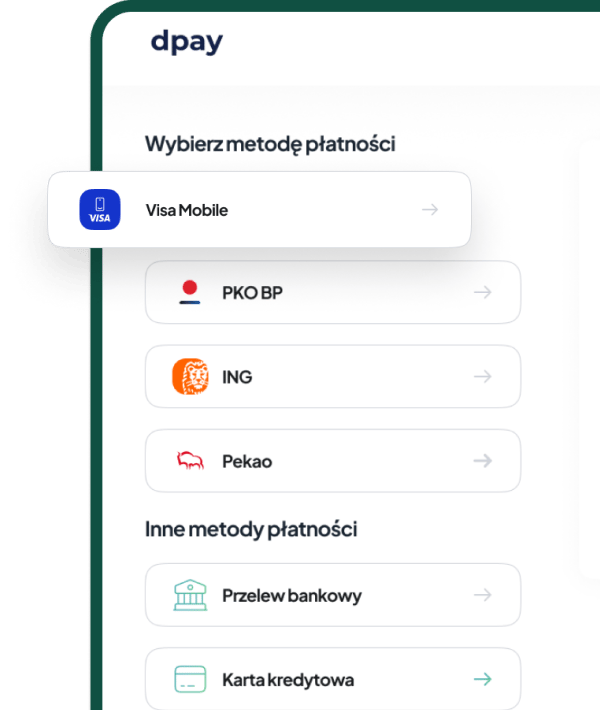
Card payments without reaching for a card.
Visa Mobile shortens the path from basket to confirmation and lets customers use a Visa card already saved in a supported app.
A simple payment journey
On the payment page, the customer only enters the phone number linked to Visa Mobile.

No card number to enter
The customer does not need to re-enter their card details in the shop or on the payment page.
Confirmation in the app
The customer approves the purchase on their device in their bank's app or the Visa Mobile app.
Payment process
How does a customer pay with Visa Mobile?

Step 01
Select Visa Mobile
The customer selects Visa Mobile on the dpay payment page.

Step 02
Enter a phone number
They enter the phone number previously linked to their Visa card in a supported app.

Step 03
Confirm the purchase
They approve the payment in their bank's app or Visa Mobile app and then return to the shop.
FAQ
Frequently asked questions
How does Visa Mobile work for online purchases?
Who can pay with Visa Mobile?
Can Visa Mobile be used in physical shops?
How is Visa Mobile provided by dpay?
Does Visa Mobile have a separate fee?
dpay pricing
How much does Visa Mobile cost?
See the current dpay price list for availability terms and applicable fees.
More ways to pay
Add the methods your customers are looking for

Google Pay
Pay with a card saved to a Google Account without entering its details again.
Learn more
Apple Pay
Pay with a saved card and confirm with Face ID, Touch ID or the device passcode.
Learn more
PayPal
dpay provides the technical connection, while funds go directly to the merchant's PayPal Business account.
Learn moreAdd Visa Mobile to your payment page.
Share your store URL and tell us how you accept payments today. Our reply will state Visa Mobile availability for your account and list the activation steps.
- Phone number instead of card details
- Confirmation in the app
- Available on the dpay payment page
Get started with dpay
Start accepting payments in your business
Create an account and complete verification. If you need help, our team is ready to answer your questions.
Start accepting paymentsOne integration
Popular payment methods