Visa and Mastercard in your shop
The customer enters their card details and, if required by their bank, confirms the purchase in its app. You receive the payment result straight away.
- Visa and Mastercard
- Secure purchase confirmation
- Refunds and reports in the panel



Card payment


•••• •••• •••• 2048
Cards for customers in Poland and abroad
Customers pay by card or choose a wallet where their card is already saved. You manage payments and refunds in the dpay panel.
Visa and Mastercard
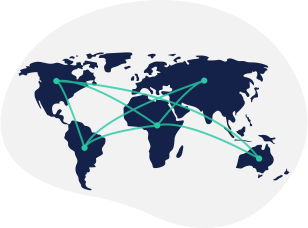
We support Visa and Mastercard. If you sell outside Poland, we check the countries listed in your application before activation.
Additional confirmation
If required by the bank, the customer confirms the payment in its app.
Straightforward launch
Once your business and shop have passed verification, we enable card payments in your gateway.
Payment process
How does a customer pay with card?

Step 01
Select card
The customer selects card on the dpay payment page.

Step 02
Enter card details
They provide the required card details and submit the payment.

Step 03
Confirm the payment
If the bank requests additional confirmation, the customer completes it in the app and returns to your shop.
dpay pricing
How much do card payments cost?
Current rates for cards issued inside and outside the EEA are listed in one applicable fee table.
FAQ
Frequently asked questions
When will I see the card payment result?
How are card payments protected?
How do I enable card payments?
More ways to pay
Add the methods your customers are looking for
Apple Pay
Pay with a saved card and confirm with Face ID, Touch ID or the device passcode.
Learn moreGoogle Pay
Pay with a card saved to a Google Account without entering its details again.
Learn more
BLIK
The customer enters a code from their banking app and confirms the payment on their phone.
Learn moreAdd card payments to your store.
Tell us about your store and current sales. Our reply will list the Visa and Mastercard activation steps and cover one-off or recurring payments.
- Visa and Mastercard
- Secure purchase confirmation
- Refunds and reports in the dashboard
Get started with dpay
Start accepting payments in your business
Create an account and complete verification. If you need help, our team is ready to answer your questions.
Start accepting paymentsOne integration
Popular payment methods


